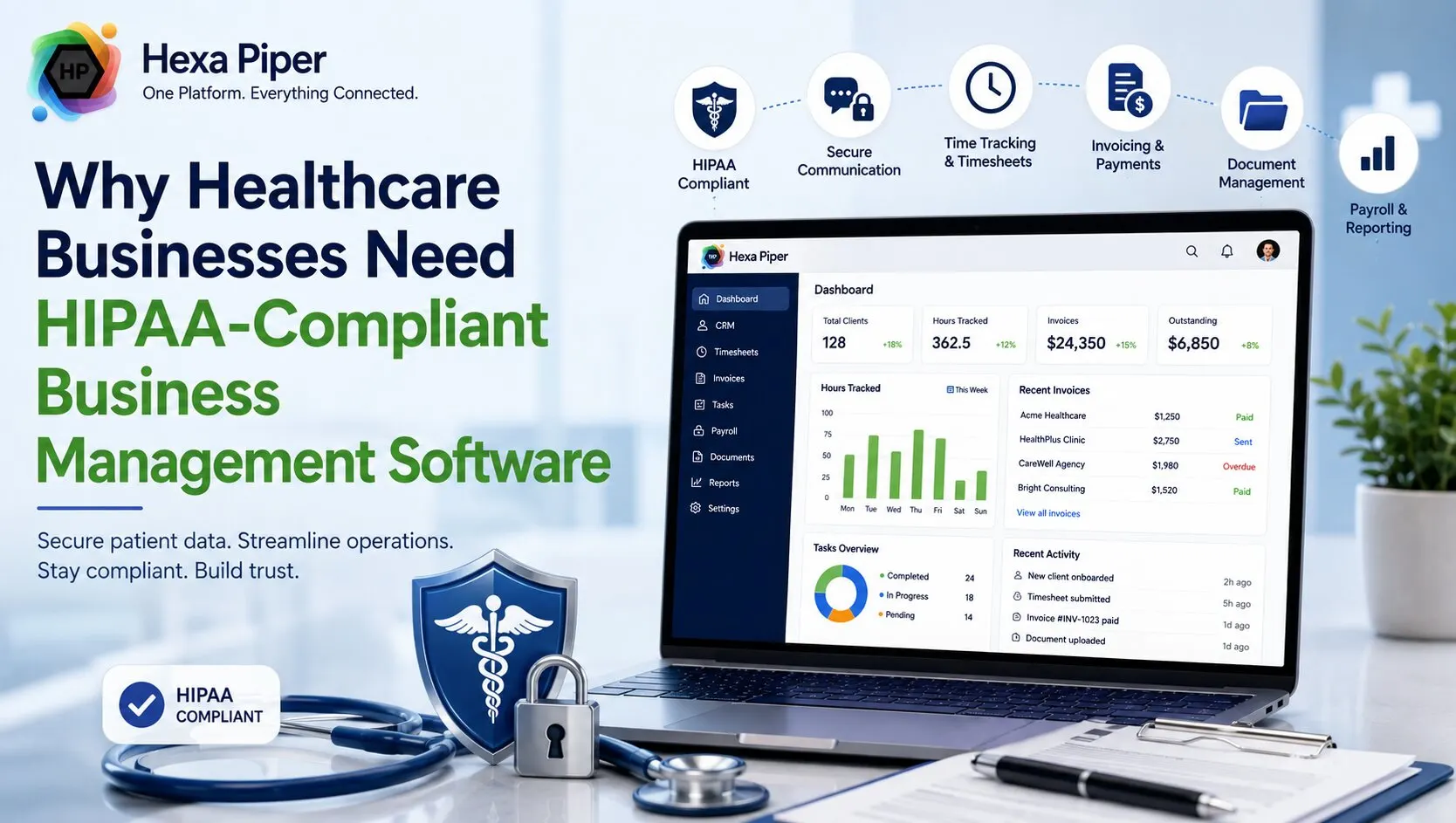
If you run a clinic, a home health agency, or a growing medical practice, you already know the work is only half about patient care. The other half is operations: staff hours, billing, referral tracking, consent forms, team messages, payroll. The problem is that most of the apps built to handle that operational side were never designed to touch patient information, and in healthcare, almost everything eventually does.
That is the gap HIPAA compliance business management software is meant to close. Instead of stitching together a spreadsheet for hours, a consumer chat app for team updates, and a generic invoicing app that has no idea what protected health information is, you get one platform where compliance is built into the way the software works, not bolted on afterward. Below is a plain-English look at why that matters, what the law actually asks of your software, and how to tell a genuinely compliant platform from one that just says the word "secure" on its homepage.
What "HIPAA-Compliant Business Management Software" Actually Means
A business management platform brings your core operations into one place: customer or patient-adjacent records, time tracking, invoicing, payroll, documents, and team communication. A HIPAA-compliant version of that does the same job while meeting the safeguards HIPAA sets out for protected health information (PHI) and its electronic form (ePHI).
It helps to be clear about one thing: no software is "HIPAA certified" in an official sense, because HHS doesn't run a certification program. What a trustworthy vendor offers instead is a platform engineered around the HIPAA Security Rule, plus a signed Business Associate Agreement (BAA) that legally commits them to protecting the data you put in. If a vendor handles PHI on your behalf but won't sign a BAA, that isn't a grey area. It's a dealbreaker.
Why Everyday Business Apps Quietly Put Healthcare Teams at Risk
Most healthcare teams don't end up non-compliant on purpose. They end up there because the tools they reached for were built for general business, and PHI slipped into them one message and one attachment at a time.
A few familiar examples:
-
Group texts and consumer chat apps. A quick "can you check on the patient in room 3" is convenient and completely outside your control once it's sent.
-
Shared spreadsheets for scheduling and billing. No access controls, no audit trail, and usually no idea who opened or copied the file.
-
Standard email for consent forms and records. Convenient, but unencrypted email is one of the most common ways PHI leaks.
-
Generic invoicing or CRM apps. They may be excellent apps, but if the provider won't sign a BAA, every client record you store there is exposure.
The uncomfortable truth is that every separate app touching PHI is a separate risk surface, a separate login to secure, and a separate BAA you're supposed to have on file. Sprawl doesn't just cost money. It quietly multiplies the number of places a breach can start.
The Real Cost of Getting Compliance Wrong
Regulators have made HIPAA enforcement a priority, and the financial penalties are not symbolic. Civil penalties are tiered by how careless the violation was, and as of the most recent inflation adjustments they run from roughly $145 per violation at the lowest tier up to about $2.19 million per violation at the highest, where willful neglect goes uncorrected. Penalties stack per provision, so a single investigation that uncovers several gaps can compound fast.
It goes further than fines. The Office for Civil Rights (OCR) has been actively targeting organizations that skipped a proper security risk analysis, settlements routinely come with multi-year corrective action plans, and the most serious criminal cases, prosecuted by the Department of Justice, can carry prison time of up to ten years. And none of that counts the part that hurts a healthcare business most: patients who no longer trust you with their information.
For a small practice, the math is brutal. The cost of a breach, a fine, or a wrecked reputation dwarfs what compliant software would have cost in the first place.
What HIPAA Actually Requires From Your Software
The HIPAA Security Rule breaks its requirements into administrative, physical, and technical safeguards. You don't need to memorize the regulation, but you should be able to see each of these reflected in whatever platform you choose. In practice, that translates into a handful of concrete features:
-
Encryption at rest and in transit. Data should be protected both while stored and while moving between your team and the servers, typically with AES-256.
-
Access controls and authentication. Role-based access so people only see what their job requires, plus two-factor authentication and sensible password rules.
-
Audit trails. A record of who accessed what and when, retained long enough to satisfy HIPAA's six-year documentation expectation.
-
Session and file safeguards. Automatic session timeouts, HTTPS enforcement, and secure file handling so data doesn't leak through the edges.
-
Backups and recoverability. Automated backups with compliant retention, so an outage or mistake doesn't become a data-loss incident.
-
A signed BAA. The legal backbone that makes everything above enforceable.
When you can tick every box on that list, you're not just "being careful." You're demonstrating the due diligence regulators actually look for.
How the Right Platform Works Day to Day
Compliance features only matter if the software is genuinely usable, because a platform your team quietly works around is not protecting anyone. The point of an all-in-one HIPAA-compliant platform is that the secure way and the easy way become the same way. Here's what that looks like in a real week:
Home health and field staff
Caregivers clock in and out with a PIN from the field, and those approved hours flow straight into payroll. No paper timesheets floating around, no re-keying, and a clean record of who worked when.
Front office and billing
Referral sources and clients live in a CRM, invoices are generated from that same record, and payments come in without exporting sensitive data into yet another app. Fewer handoffs means fewer places for information to go astray.
Team communication
Instead of texting patient details, the team coordinates in secure, compliant chat. Consent forms and care documents sit in encrypted document storage rather than an inbox. It feels as quick as the risky habits it replaces, without the exposure.
One Platform vs. Five Vendors (and Five BAAs)
This is where consolidation stops being a nice-to-have. Every vendor that touches your PHI needs a BAA, needs to be monitored, and needs to be accounted for if you're ever audited. Run your operation across five separate apps and you're managing five BAAs, five security postures, and five potential points of failure.
Bringing CRM, timesheets, payroll, invoicing, documents, and chat under one compliant roof shrinks that footprint to a single vendor relationship and a single BAA. It's cheaper, it's simpler to defend, and it removes the most common cause of accidental exposure: data being copied from one app into another that was never built to hold it.
What to Look For When Choosing HIPAA-Compliant Business Management Software
Use this as a quick buying checklist. A platform worth trusting should offer, at minimum:
-
A signed Business Associate Agreement, available to you and not buried behind an enterprise-only contract
-
AES-256 encryption for data at rest and in transit
-
Role-based access controls and two-factor authentication
-
Audit trails with retention that meets HIPAA's six-year standard
-
Configurable session timeouts and secure file handling
-
Automated backups with compliant retention
-
Compliance included on every plan, not sold as a premium add-on
That last point matters more than it looks. When HIPAA protection is gated behind the most expensive tier, small teams get pushed toward cutting corners they can't afford to cut. Compliance should be the baseline, not the upsell.
Where Hexa Piper Fits
Hexa Piper is built for exactly this problem. It's an all-in-one, HIPAA-compliant business management platform for healthcare teams of 5 to 50, combining CRM, staff timesheets, payroll, invoicing, secure document storage, and HIPAA-compliant chat in one workspace, so you're replacing five or more separate apps rather than adding another one.
On the security side, every plan includes AES-256 encryption at rest and in transit, two-factor authentication, role-based access controls, configurable session timeouts, and audit trails retained for six years, backed by Business Associate Agreement (BAA) support and automated backups with HIPAA-aligned retention. Crucially, that compliance is included on every plan, not locked behind an enterprise contract.
Pricing runs from $0 for the Free plan up to $7 per user per month, which means a ten-person home health team lands in the $30 to $70 a month range for a fully HIPAA-compliant operation. New teams can try it free for a month, no credit card required. Behind the platform is 15+ years of healthcare IT experience, which is a large part of why compliance is treated as the starting point rather than a feature to sell you later.
Frequently Asked Questions
Is regular business management software HIPAA compliant?
Usually not. General-purpose CRM, invoicing, and chat apps aren't built around the HIPAA Security Rule, and most won't sign a BAA. If a provider handles PHI on your behalf and won't sign one, the software can't be considered compliant no matter how secure it feels.
Do I really need a BAA with my software vendor?
Yes. If a vendor stores, processes, or transmits PHI for you, they are a business associate under HIPAA, and a signed Business Associate Agreement is required. It's the document that makes their security obligations legally binding.
What makes a CRM or timesheet app HIPAA compliant?
The combination of technical safeguards and legal commitment: encryption at rest and in transit, role-based access, two-factor authentication, audit logging with proper retention, secure file handling, automated backups, and a signed BAA. Any one of those alone isn't enough.
How much should HIPAA-compliant business management software cost?
Less than you'd expect, and far less than a violation. Modern platforms price per user per month, and the better ones include HIPAA compliance on every tier rather than reserving it for enterprise buyers. A small healthcare team can be fully compliant for a few dollars per user each month.
Does a small practice actually need this?
HIPAA applies regardless of size, and enforcement doesn't give small practices a pass. In fact, smaller teams often carry more risk because PHI ends up scattered across personal apps and spreadsheets. Consolidating onto one compliant platform is usually the single biggest risk reduction a small practice can make.
The Bottom Line
In healthcare, operations and patient privacy aren't separate concerns. The moment a spreadsheet holds a patient name or a chat carries a care detail, your business tools are handling PHI, whether they were built for it or not. HIPAA-compliant business management software closes that gap by making the secure path the default one, replacing risky app sprawl with a single platform you can actually defend.
Ready to run your healthcare operation on one compliant platform? Try Hexa Piper free for a month, no credit card required, and see how much simpler compliant operations can be.